
Is your LG microwave not heating up and making a strange clicking noise? If so, you’re not alone—and it can be really frustrating when your microwave stops working just when you need it most.
You might wonder if it’s something simple you can fix yourself or if you need to call a technician. Keep reading, because understanding why this happens can save you time, money, and stress. By the end of this article, you’ll know exactly what’s causing the problem and how to get your microwave back to heating your meals like it should.
Common Causes Of No Heating
LG microwaves may stop heating and start making a clicking noise due to common faults inside. These problems often come from key parts that fail over time. Understanding these causes helps identify the right fix quickly. Below are common reasons your microwave does not heat.
Faulty Magnetron
The magnetron is the main part that creates heat in the microwave. A faulty magnetron cannot produce microwave energy. This leads to no heating and clicking sounds. Replacing the magnetron usually solves the problem.
Defective Diode
The diode sends power to the magnetron. If it breaks, the magnetron won’t get enough power. This stops heating and causes clicking noises. Checking and replacing the diode often restores normal function.
Blown Thermal Fuse
The thermal fuse protects the microwave from overheating. A blown fuse cuts power to the heating system. This results in no heat and strange noises during operation. Replacing the thermal fuse fixes this issue.
Door Switch Issues
The door switch ensures the microwave runs only when closed properly. Broken or misaligned switches stop the microwave from heating. Clicking sounds can come from the switch trying to engage. Repairing or replacing the door switch restores safe heating.
Reasons Behind Clicking Noise
The clicking noise from your LG microwave can signal several internal problems. This noise often happens when the microwave tries to heat but fails. Understanding the reasons behind this sound helps in fixing the issue quickly. Below are the common causes of the clicking noise in LG microwaves.
Magnetron Problems
The magnetron creates the microwave heat. If it is faulty, the microwave clicks and stops heating. Damage or wear can cause the magnetron to fail. A bad magnetron needs replacement for the microwave to work again.
High Voltage Diode Failure
The high voltage diode works with the magnetron. It changes the power to the magnetron for heating. If the diode breaks, the microwave makes a clicking sound. A faulty diode will stop the microwave from heating.
Capacitor Malfunction
The capacitor stores and releases electricity to the magnetron. When it malfunctions, the microwave clicks but does not heat. A bad capacitor can cause power issues inside the microwave. Replacing the capacitor often fixes this problem.
Door Latch And Switch
The microwave will not start if the door latch or switch is broken. These parts ensure the door closes tightly. A clicking noise may come from the microwave trying to start with a bad latch. Checking and fixing the door latch or switch can solve this issue.
Quick Diagnostic Steps
When your LG microwave stops heating and makes a clicking noise, quick checks can help find the problem fast. These simple steps save time and avoid extra costs. Follow this guide to diagnose the issue safely and clearly.
Checking Power Supply
Start by ensuring the microwave is plugged in firmly. Check the wall outlet with another device to confirm power. Look for blown fuses or tripped circuit breakers in your home panel. No power means the microwave won’t heat or run properly.
Inspecting Door Switch
The door switch stops the microwave from working if the door is open. Press the door firmly and listen for a click. A faulty switch can cause clicking noises without heating. Replace the switch if it does not click or feels loose.
Testing Magnetron And Diode
The magnetron creates heat inside the microwave. The diode helps power the magnetron. Use a multimeter to test these parts for continuity. A broken magnetron or diode causes clicking sounds and no heat. Replace damaged parts for the microwave to work again.
Listening For Unusual Sounds
Pay close attention to sounds during operation. A loud clicking or buzzing may signal electrical issues. Grinding or buzzing can mean a problem with the magnetron or fan. Strange noises usually hint at parts that need repair or replacement.

Credit: www.angi.com
Simple Fixes You Can Try
LG microwaves sometimes stop heating and make a clicking noise. This can be frustrating, but some simple fixes can solve the problem. You can try these steps yourself before calling a technician. Each method is easy to follow and requires basic tools.
Resetting The Microwave
Unplug your microwave from the power source. Wait for about five minutes to clear any errors. Plug it back in and test if it heats. This reset can fix small glitches causing the issue. Many users find this quick step solves the problem.
Replacing The Door Switch
The door switch ensures the microwave runs only when the door is closed. A faulty switch can cause clicking sounds and stop heating. Open the microwave’s outer cover carefully. Locate and test the door switch with a multimeter. Replace the switch if it shows no continuity. This fix restores safe operation and proper heating.
Changing The Thermal Fuse
The thermal fuse protects the microwave from overheating. If it blows, the microwave stops heating and clicks. Locate the thermal fuse inside the microwave’s back panel. Test it with a multimeter for continuity. A broken fuse needs replacement with the exact type. This repair can make your microwave work again safely.
Cleaning And Maintenance Tips
Dirt and food buildup can cause heating issues. Clean the interior regularly using a mild detergent and soft cloth. Check the door seal for damage or dirt. A clean microwave works better and lasts longer. Regular maintenance prevents small problems from becoming big ones.
When To Call A Technician
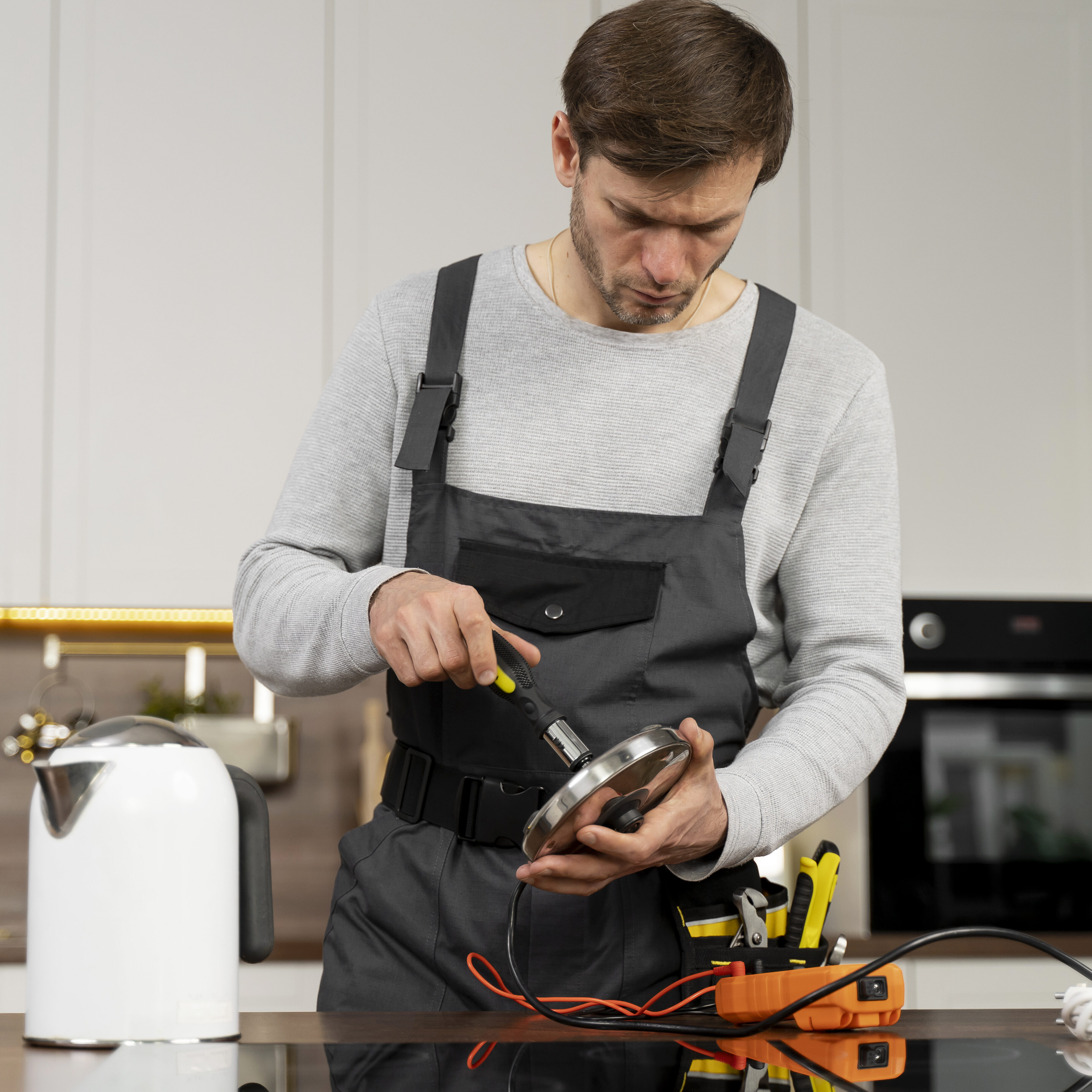
Knowing when to call a technician for your LG microwave saves time and prevents risks. Some problems need expert help due to their complexity or danger. If your microwave is not heating and making a clicking noise, a skilled technician can diagnose and fix the issue safely.
Handling High Voltage Components
Microwaves use high voltage parts that store electricity even when unplugged. These parts can cause serious shocks. Only trained technicians know how to handle these safely. Avoid opening the microwave yourself to stop accidents.
Avoiding Further Damage
Trying to fix the microwave without the right skills can cause more damage. A wrong move might break delicate parts or worsen the problem. Calling a professional ensures the repair is done right the first time.
Professional Repair Costs
Repair costs depend on the problem and parts needed. A technician can give a clear estimate before starting work. Spending on a proper repair often saves money compared to replacing the whole microwave.
Credit: www.reddit.com
Preventing Future Microwave Issues
Preventing future problems with your LG microwave helps save time and money. Simple care and good habits keep it working well. Small steps can stop the microwave from not heating or making clicking noises again. Take action now to avoid repairs later.
Regular Cleaning
Clean your microwave often to stop dirt buildup. Wipe the inside after each use with a soft cloth. Remove food splashes and spills quickly. Clean the door seals gently to keep a good seal. A clean microwave works better and lasts longer.
Proper Usage Habits
Use microwave-safe containers only. Avoid metal or foil inside the microwave. Do not run it empty; it can cause damage. Follow the instructions on heating times carefully. Overheating can cause parts to fail or noises to start.
Routine Maintenance Checks
Check the microwave regularly for any signs of damage. Listen for unusual sounds or smells during use. Inspect the door and latch for proper closing. Replace worn parts early to prevent bigger problems. Regular checks keep your microwave safe and efficient.
Credit: smartapplianceservices.com
Frequently Asked Questions
Why Is My Lg Microwave Not Heating Food?
The magnetron might be faulty or the door switch could be broken, stopping heat production.
What Causes A Clicking Noise In Lg Microwaves?
Clicking often comes from a faulty relay or a problem in the high voltage circuit.
Can A Bad Diode Make My Microwave Click But Not Heat?
Yes, a bad diode stops power flow to the magnetron, causing clicking without heating.
How Do Door Switches Affect Microwave Heating And Noise?
Broken door switches can stop the microwave from heating and cause unusual clicking sounds.
Is It Safe To Use A Microwave Making Clicking Noises?
No, using it can be dangerous. Turn it off and get it checked by a technician.
Conclusion
LG microwave not heating and making clicking noise means a problem inside. Common causes include a faulty door switch, magnetron, or capacitor. Fixing these parts often solves the issue. Always unplug the microwave before checking or repairing it. If unsure, call a professional to avoid danger.
Regular cleaning and proper use help prevent problems. Understanding these signs can save time and money. Stay safe and keep your microwave working well. Simple care keeps your kitchen running smoothly.