
Is your LG refrigerator not keeping your food as fresh as it should? Maybe the temperature feels off, or the settings seem confusing.
Don’t worry—you can fix this quickly by resetting your LG refrigerator’s temperature. Knowing how to do this can save you from spoiled food and costly repairs. In this guide, you’ll learn simple, step-by-step instructions that anyone can follow. Keep reading, and you’ll have your fridge working perfectly again in no time.
Locating The Temperature Controls
Finding the temperature controls on your LG refrigerator is the first step to reset its temperature. These controls help set the right cooling level for your food.
Knowing where the controls are makes it easier to adjust the temperature quickly. It also helps in maintaining your fridge’s efficiency.
Control Panel Placement
The control panel is often inside the refrigerator compartment. Look near the top or on the side walls inside the fridge.
Some models have the panel on the front, above or below the doors. Others place it inside a drawer or near the freezer section.
Check your fridge’s user manual to find the exact location. The panel usually has buttons or a digital display for temperature settings.
Types Of Temperature Controls
LG refrigerators use different control types. One common type is the digital control panel with buttons.
Another type uses manual dials or sliders. These controls turn to increase or decrease the temperature.
Some models combine both digital and manual controls. Understanding your control type helps you reset the temperature correctly.
Adjusting The Temperature Settings
Adjusting the temperature settings of your LG refrigerator is essential for keeping food fresh. It helps control how cold the fridge or freezer gets. This section explains how to change the temperature using two common methods. Each method is simple and easy to follow.
Using Digital Controls
Many LG refrigerators have a digital control panel. This panel shows the current temperature inside. To change it, press the up or down buttons. Adjust the temperature in small steps for best results.
Wait a few hours to see the new temperature effect. Avoid setting the temperature too low or too high. The ideal fridge temperature is around 37°F (3°C). For the freezer, 0°F (-18°C) works well.
Manual Dial Adjustment
Some LG models use a manual dial to set the temperature. The dial is usually inside the fridge compartment. Turn the dial to a higher number for colder settings. Turn it lower to make the fridge warmer.
Check the temperature after a few hours. Adjust again if needed. Remember, small changes help avoid freezing or spoiling food. Keep the dial between 3 and 5 for most conditions.
Resetting To Factory Defaults
Resetting your LG refrigerator to factory defaults can solve many temperature control issues. This process clears all custom settings. It restores the original settings from the factory. The fridge will work as if new. Two main reset methods exist: soft reset and hard reset.
Each method suits different problems. Choose the right one based on your situation. Both methods are simple and quick. Follow the steps carefully for best results.
Soft Reset Method
The soft reset is the easiest way to reset your fridge. It does not affect saved data. Start by unplugging the fridge from the power outlet. Leave it unplugged for about five minutes. This pause lets the system clear minor errors. Plug the fridge back in. The temperature settings will return to default. Check the control panel to confirm reset. This method often fixes small glitches.
Hard Reset Method
The hard reset fully restores factory settings. This method clears all user changes. Press and hold the fridge’s control panel buttons. Usually, the “Power Cool” and “Power Freeze” buttons work. Hold them for about 10 seconds. The display will blink or turn off. Release the buttons once this happens. The fridge resets to factory defaults. Set the temperature again after reset. Use this method for major issues or unresponsive panels.
Credit: smartapplianceservices.com
Troubleshooting Temperature Issues
Temperature issues in LG refrigerators can cause food to spoil quickly. Fixing these problems ensures your fridge works well. Start by knowing the common problems and signs. This helps you decide the next steps. Troubleshooting saves time and keeps food safe.
Common Problems
The fridge is too warm or too cold. Temperature settings may be wrong. The door might not close properly. Dirt or dust can block the vents. Power outages can reset the temperature. The thermometer inside might be broken. Ice buildup can stop air flow. These problems can affect cooling.
When To Call Support
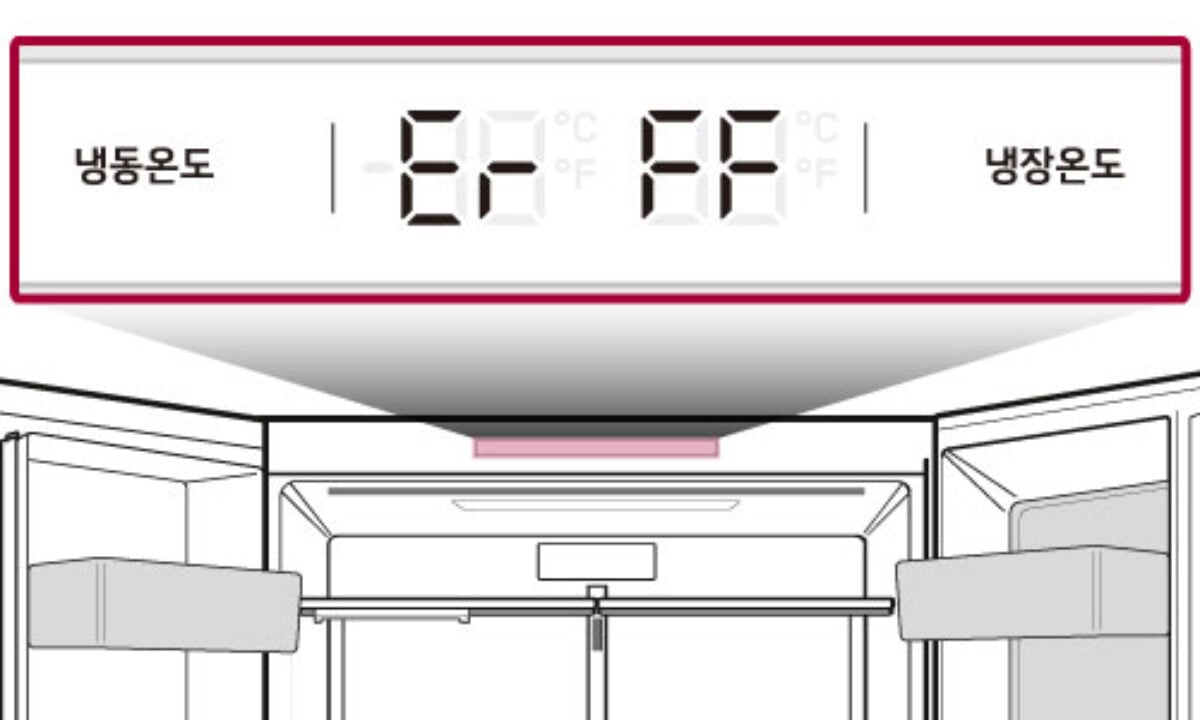
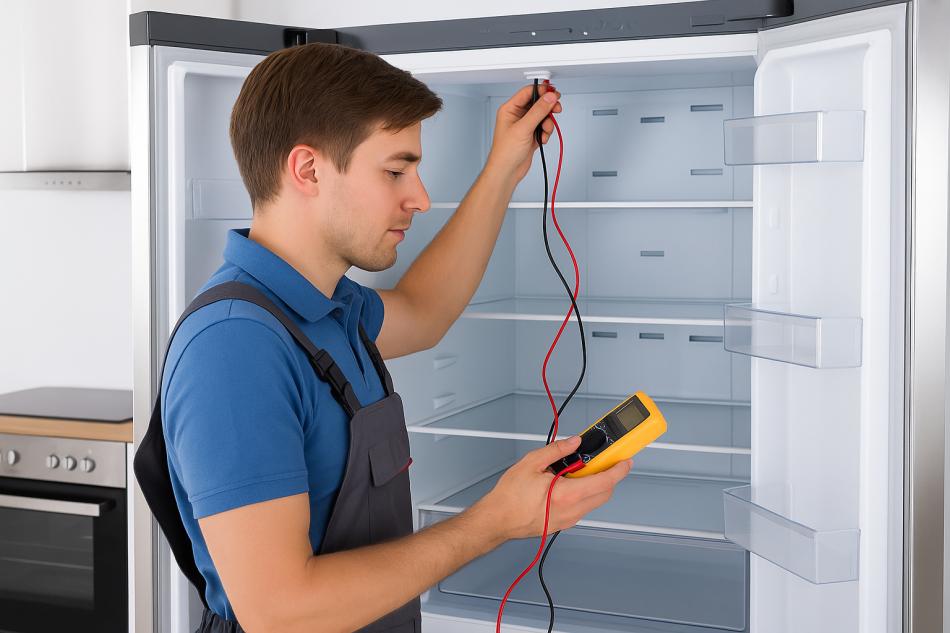
If the fridge does not cool after resetting, call support. Strange noises or leaks need professional help. The compressor or fan might be faulty. If you see error codes on the display, get expert advice. Avoid fixing electrical parts yourself. Support can guide or send a technician. This prevents bigger problems or damage.
Tips For Maintaining Ideal Temperature
Keeping the right temperature in your LG refrigerator helps food stay fresh longer. It also saves energy and prevents spoilage. Follow simple steps to maintain the ideal fridge temperature. This ensures your appliance works well and keeps your food safe.
Optimal Temperature Ranges
Set your refrigerator temperature between 37°F and 40°F (3°C to 4°C). This range keeps food fresh without freezing it. The freezer should be at 0°F (-18°C) for safe storage. Avoid setting temperatures too low or too high. Too cold can freeze fresh food. Too warm can cause spoilage and bacteria growth.
Regular Maintenance Practices
Clean the refrigerator coils every six months. Dusty coils reduce cooling efficiency. Check door seals for cracks or gaps. Tight seals keep cold air inside. Defrost the freezer if ice builds up over 1/4 inch. This improves cooling and saves energy. Avoid overloading the fridge. Air needs to circulate for even cooling. Store food in airtight containers to keep moisture low.
Credit: highcityappliance.com
Credit: smartapplianceservices.com
Frequently Asked Questions
How Do I Reset The Temperature On My Lg Refrigerator?
Press and hold the temperature control button until the display blinks, then set your desired temperature.
What Is The Ideal Temperature Setting For Lg Refrigerators?
Keep the fridge at 37°F (3°C) and the freezer at 0°F (-18°C) for best food preservation.
Can I Reset Lg Fridge Temperature Without The Manual?
Yes, use the control panel buttons to adjust temperature settings easily.
Why Is My Lg Fridge Temperature Not Changing After Reset?
Check if the fridge is plugged in properly and the control lock is off.
How Long Does It Take For Lg Fridge To Cool After Resetting?
It usually takes 24 hours to reach the new temperature after a reset.
Conclusion
Resetting your LG refrigerator temperature is quick and simple. Follow the steps carefully to avoid mistakes. Regularly check the temperature to keep food fresh and safe. A well-set fridge saves energy and extends appliance life. Small adjustments can make a big difference.
Keep your fridge running smoothly by monitoring it often. This helps prevent spoilage and waste. Stay comfortable with the right cooling settings every day. Easy to do. Worth the effort.