
Is your Brookstone heated blanket not working when you need it most? It’s frustrating to snuggle up, expecting warmth, only to find the blanket cold or unresponsive.
You rely on it for comfort during chilly nights, and when it fails, it can feel like a big letdown. But don’t worry—you’re not alone, and there are simple ways to fix this issue. Keep reading to discover easy tips and tricks to get your heated blanket back to cozy in no time.
Common Reasons For Malfunction
The Brookstone heated blanket may stop working for several common reasons. Identifying these issues helps you fix the problem quickly. Most problems relate to power, controls, or the heating elements inside the blanket.
Power Connection Issues
Check if the blanket is properly plugged in. Loose connections stop the blanket from heating. Sometimes, the outlet may not work. Test the outlet with another device to confirm power supply. Also, inspect the power cord for any damage or cuts. A broken cord can prevent electricity from reaching the blanket.
Faulty Controls
The control panel can fail due to wear or internal damage. Buttons might stop responding or settings may not change. This makes it hard to adjust the temperature. Control problems often require replacing the remote or controller. Resetting the controls can sometimes restore function. Check for visible signs of damage or moisture in the control unit.
Damaged Heating Elements
Heating wires inside the blanket can break or burn out. This causes cold spots or no heat at all. Damage can happen from folding the blanket too tightly or frequent use. A damaged heating element usually needs professional repair or replacement. Avoid using the blanket if heating is uneven to prevent safety risks.
Basic Troubleshooting Steps
Basic troubleshooting helps find simple issues causing the blanket to stop working. It saves time and avoids unnecessary repairs. Start with easy checks before moving to complex solutions. Follow these steps to get your Brookstone heated blanket working again.
Check Power Source
Make sure the power cord is plugged in firmly. Try a different outlet to rule out socket problems. Check if the power switch on the blanket is turned on. Look for visible damage on the cord or plug. A loose or faulty power source often stops the blanket from heating.
Inspect Remote And Controls
Examine the remote for stuck or broken buttons. Replace the remote batteries with fresh ones. Ensure the control unit is connected properly to the blanket. Clean any dirt or dust from buttons and connectors. Faulty controls can block signals and stop heating.
Reset The Blanket
Unplug the blanket and wait for about five minutes. Plug it back in to allow the system to reset. Press the power button again to test the heat function. Resetting clears minor electronic glitches. This simple step often restores normal operation.
Quick Fixes To Try At Home
When your Brookstone heated blanket stops working, quick fixes can help. These simple steps often solve common issues fast. Try these easy methods before calling for help. They save time and get your blanket warm again.
Replug And Test
Unplug the blanket from the power outlet. Wait about 30 seconds. Plug it back in firmly. Sometimes, the connection resets and power returns. Turn on the blanket to check if it heats up. This quick reset fixes minor electrical glitches.
Clean The Connectors
Dust or dirt can block the connection points. Use a dry cloth to gently wipe the plug and controller ports. Remove any debris carefully. Clean connectors help the electricity flow properly. This simple cleaning can restore full function.
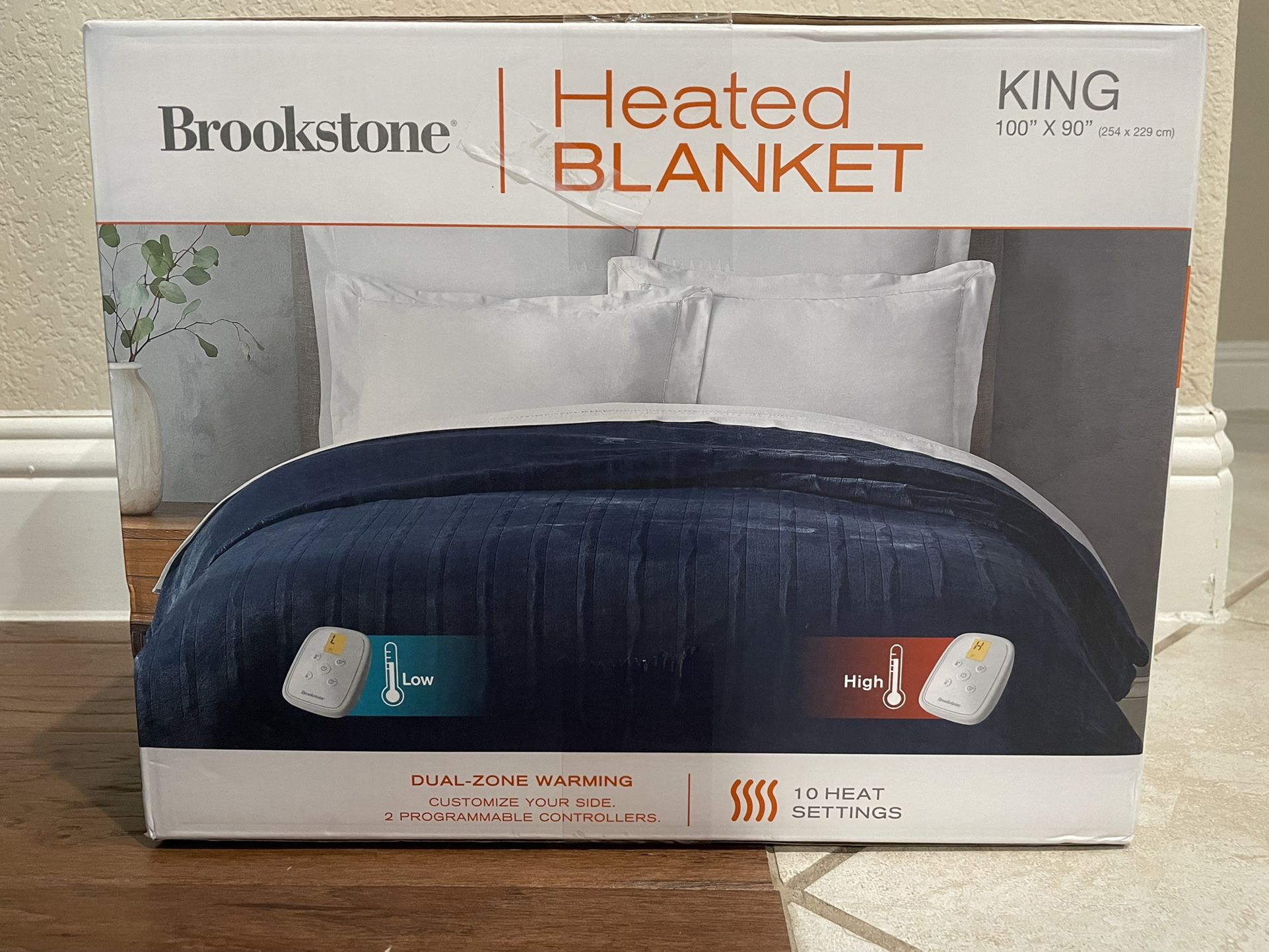
Replace Batteries In Remote
Check the remote control if the blanket uses one. Weak batteries can stop the remote from working. Open the battery compartment. Replace old batteries with new ones. Make sure to match the battery type. New batteries often fix remote control issues.
Credit: lateefforva.com
When To Contact Customer Support
Knowing when to contact customer support for your Brookstone heated blanket saves time and stress. Some issues need expert help beyond basic troubleshooting. Customer support can guide you through complex problems or arrange repairs.
Contact support if the blanket does not heat at all or heats unevenly. Also, reach out for problems like strange smells, sparks, or error codes. These signs suggest serious issues that need professional attention.
Warranty And Repair Options
Check your warranty before calling customer support. Brookstone often covers defects for one year after purchase. Warranty terms vary, so read your paperwork carefully. Support can explain what repairs or replacements are free. Repairs outside warranty might cost extra but are often worth it.
Authorized Service Centers
Brookstone works with authorized service centers for repairs. These centers use original parts and follow company guidelines. Customer support can direct you to the nearest center. Using authorized centers keeps your warranty valid. Avoid unapproved repair shops to prevent voiding your warranty.
What Information To Provide
Prepare key details before contacting support. Have your purchase date and receipt ready. Know the blanket’s model number and serial number. Describe the problem clearly and mention any error codes. Explain what troubleshooting you already tried. Clear information helps support solve issues faster.
Preventive Care Tips
Taking care of your Brookstone heated blanket can help it last longer. Small steps keep it working well. Preventive care stops many common problems before they start. This saves time and money.
Proper Storage Methods
Store your heated blanket in a dry, cool place. Avoid folding it tightly. Instead, roll it gently to prevent damage to wires inside. Keep it away from sharp objects. Use a breathable bag or cover to protect from dust.
Regular Maintenance
Check your blanket often for wear and tear. Look for frayed wires or holes in the fabric. Clean it according to the instructions on the label. Use a gentle cycle and mild detergent. Do not iron or dry clean your heated blanket.
Avoiding Common Mistakes
Do not leave the blanket on for too long. Overheating can cause damage. Avoid folding it while in use. Never use pins or clips on the fabric. Keep it away from pets that may chew on the cords.

Credit: www.walmart.com
Credit: www.ebay.com
Frequently Asked Questions
Why Is My Brookstone Heated Blanket Not Turning On?
Check if the blanket is properly plugged in and the power outlet works well.
How Do I Reset My Brookstone Heated Blanket?
Unplug the blanket, wait 10 minutes, then plug it back in to reset.
Can A Damaged Controller Stop The Heated Blanket From Working?
Yes, a broken controller can prevent the blanket from heating properly.
Is It Safe To Use A Heated Blanket With Visible Damage?
No, using a damaged heated blanket can cause electric shock or fire.
What Should I Do If The Blanket Overheats Or Smells Burnt?
Turn it off immediately, unplug it, and contact Brookstone customer support.
Conclusion
A Brookstone heated blanket not working can cause frustration. Check the power source and connections first. Make sure the controls are set correctly. Clean the blanket gently to avoid damage. Look for visible signs of wear or tears. Sometimes a simple reset fixes the issue.
Contact customer support if problems continue. Staying warm should not be hard. Small steps often solve common heating problems. Keep your blanket safe and use it with care. Enjoy cozy comfort every cold night.