
Is your Roku remote acting up and leaving you frustrated? You might be wondering if the batteries are dead.
Knowing how to quickly check your Roku remote batteries can save you time and hassle. You’ll discover simple, clear ways to tell if your remote’s power is running low. Keep reading to avoid unnecessary replacements and get your streaming back on track fast.
Signs Of Dead Batteries
Dead batteries in your Roku remote can cause trouble. Identifying the signs helps fix the issue fast. This section shows key signs your remote batteries may be dead.
No Response From Remote
The most obvious sign is no response. Press any button and watch the TV. If nothing happens, the remote might have dead batteries. This is the first thing to check when your Roku remote stops working.
Unusual Remote Behavior
Sometimes the remote acts strange. It may send wrong commands or skip buttons. This odd behavior can mean weak batteries. The remote struggles to send clear signals with low power.
Weak Or Flickering Signal
Watch the signal strength on the screen. A weak or flickering signal shows battery problems. The remote’s signal may cut in and out or be very slow. This happens because the batteries can’t keep a steady power flow.
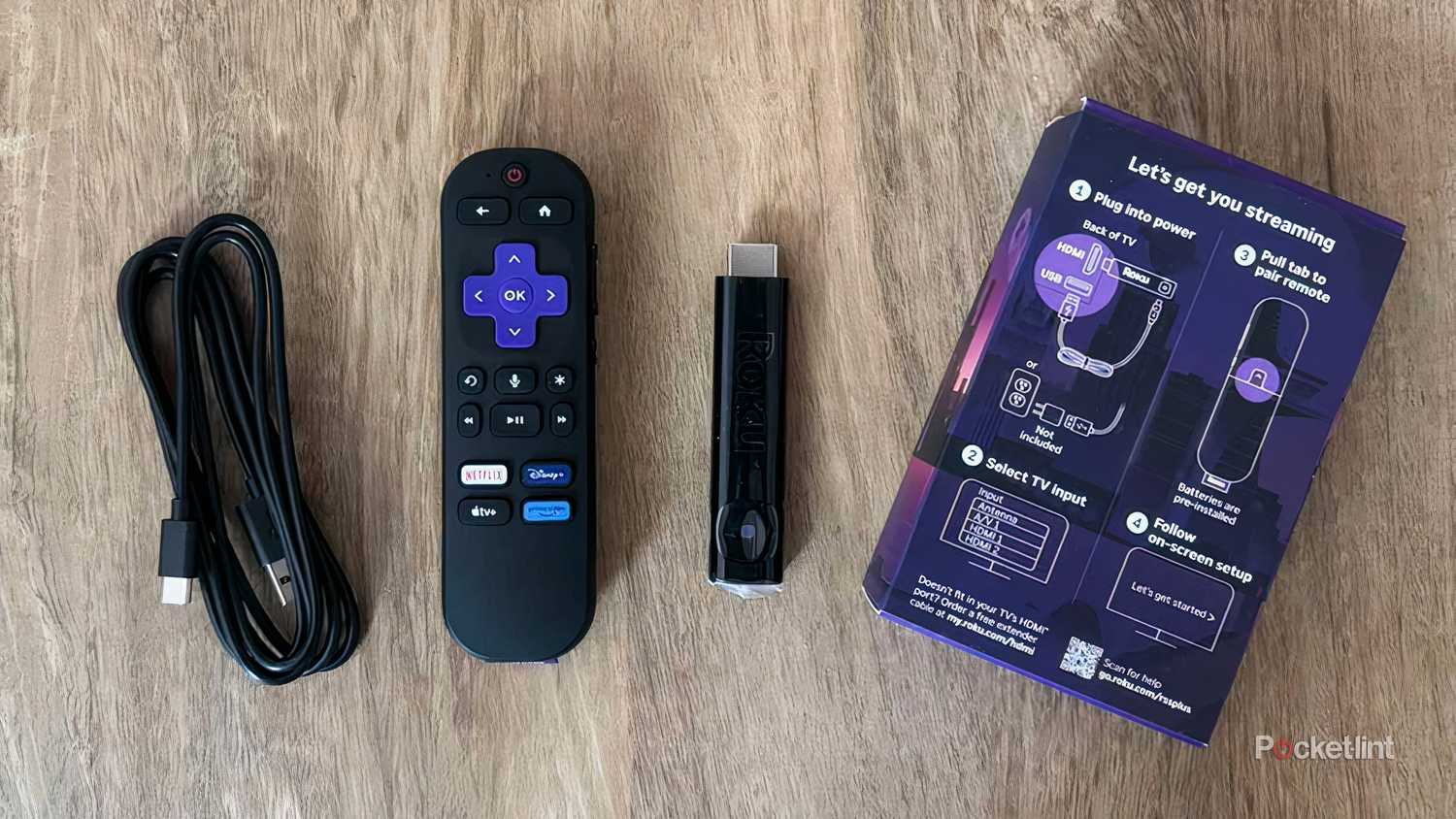
Credit: www.pocket-lint.com
Testing The Batteries
Testing the batteries in your Roku remote is a simple step to find out if they are dead. This helps save time and avoids buying new batteries unnecessarily. There are several easy ways to check the battery condition before replacing them.
Using A Battery Tester
A battery tester is a small tool that measures battery power quickly. Place the battery on the tester’s contacts and read the display. A low or empty reading means the battery has no charge left. Battery testers are cheap and easy to use.
Trying Batteries In Another Device
Remove the batteries from your Roku remote and put them in a different device. This could be a flashlight or another remote. If the device does not turn on or work properly, the batteries are likely dead. This method confirms the battery status without special tools.
Checking Battery Expiry Date
Batteries have expiry dates printed on their side or bottom. Check this date to see if the batteries are past their shelf life. Expired batteries lose power faster and may cause remote issues. Always use batteries that are within their expiry date for best results.
Replacing Roku Remote Batteries
Replacing Roku remote batteries is simple and quick. Knowing the correct batteries and how to install them helps keep your remote working well. Follow these steps to change the batteries safely and correctly.
Types Of Batteries Needed
Most Roku remotes use two AAA batteries. These batteries are easy to find in stores or online. Some newer models use rechargeable batteries, but AAA is the most common type. Always check your remote to see which battery fits best.
How To Open The Battery Compartment
Flip the remote over to find the battery cover. Press gently on the back cover and slide it down or off. Avoid using sharp tools, as they can damage the remote. Keep the cover in a safe place while changing batteries.
Proper Battery Installation
Insert the batteries with the plus (+) and minus (–) ends matching the markings inside the compartment. Push the batteries gently until they fit well. Replace the cover by sliding or snapping it back into place. Test the remote to ensure it works properly.

Credit: www.youtube.com
Alternative Troubleshooting Tips
Sometimes, dead batteries are not the only reason your Roku remote stops working. Trying other troubleshooting methods can help fix the issue. These tips are simple and quick to do at home.
Resetting The Remote
Resetting the remote can clear small errors. Remove the batteries first. Press and hold the power button for 10 seconds. Release the button and put the batteries back. Try using the remote again to see if it works.
Pairing The Remote Again
Some Roku remotes lose connection with the device. Press the pairing button inside the battery compartment. Hold it for 3 to 5 seconds. Wait for the pairing light to flash. The remote should connect to the Roku player again.
Checking For Physical Damage
Look at the remote carefully. Check for cracks, broken buttons, or loose parts. Physical damage can stop the remote from working. Clean the battery contacts with a dry cloth. Replace the remote if you find serious damage.
Preventing Battery Drain
Keeping your Roku remote batteries alive saves money and avoids frustration. Battery drain happens fast if the remote stays active when unused. Small habits can stretch battery life. Simple steps make a big difference in how long batteries last.
Turning Off Remote When Not In Use
Turn off your remote after watching TV. Some models have a power button or sleep mode. This stops the remote from sending signals all the time. It lowers battery use and helps batteries last longer.
Storing Remotes Properly
Keep your remote in a cool, dry place. Avoid spots with heat or moisture. These conditions make batteries drain faster. Store the remote away from direct sunlight. Safe storage keeps batteries fresh and ready to use.
Using Rechargeable Batteries
Rechargeable batteries save money over time. They work well with Roku remotes and can be used many times. Recharge them before they get too low. This practice reduces waste and keeps your remote powered longer.
Credit: windowsreport.com
Frequently Asked Questions
How Do I Know If My Roku Remote Batteries Are Dead?
Check if the remote does not respond or the LED light does not blink when buttons are pressed.
What Are Common Signs Of Dead Roku Remote Batteries?
Unresponsive buttons, slow response, or no light when pressing buttons often signal dead batteries.
Can A Roku Remote Work With Weak Batteries?
Weak batteries may cause slow or inconsistent remote responses, but full failure usually means dead batteries.
How To Test Roku Remote Batteries Without A Tester?
Replace old batteries with new ones or use a flashlight to check if the remote light blinks.
Why Does My Roku Remote Stop Working Suddenly?
Dead or weak batteries are the most common reason your Roku remote may suddenly stop working.
Conclusion
Checking if your Roku remote batteries are dead is simple. Test the remote by pressing buttons and watching the TV response. No reaction often means the batteries need replacing. Swap old batteries with fresh ones to restore function. Keep spare batteries handy to avoid frustration.
Small steps save time and keep your streaming smooth. Now, you can enjoy your Roku without interruptions. Easy to do, right?