
Is your Dynex TV refusing to turn on? It’s frustrating when you just want to relax and watch your favorite show, but the screen stays dark.
You’re not alone—many people face this problem, and it can feel like there’s no easy fix. But don’t worry, you’re in the right place. You’ll discover simple, effective steps to get your Dynex TV powering up again. Keep reading, and you’ll be back to enjoying your entertainment in no time.
Check Power Supply
Checking the power supply is the first step when your Dynex TV does not turn on. The TV needs a steady power flow to work properly. Power issues are common and easy to fix. Start by making sure the TV gets electricity. Small problems like loose plugs or broken cords can stop the TV from turning on.
Inspect Power Cord And Outlet
Look at the power cord for any signs of damage. Cuts, bends, or frays can block electricity flow. Make sure the cord is fully plugged into the TV and the wall outlet. Try plugging the cord into a different outlet to rule out a faulty socket. A working outlet is key to power the TV.
Use A Different Power Source
Try a different power source to test the issue. Plug the TV into another room’s outlet or a power strip. This helps find out if the problem is with the original power source. If the TV turns on using a new source, then the old outlet may be faulty.
Test Power Button Functionality
Check the TV’s power button for proper function. Sometimes the button can get stuck or wear out. Press it firmly and see if the TV responds. Use the remote control to turn on the TV as a backup test. A broken power button can stop the TV from powering on.
Reset The Tv
Resetting your Dynex TV can fix simple issues that stop it from turning on. This process clears temporary problems and refreshes the system. You can try two easy ways to reset your TV.
Unplug And Wait
First, unplug the TV from the power outlet. Leave it unplugged for about 60 seconds. This pause lets the TV fully power down. After a minute, plug it back in. Try turning the TV on again. This simple step often solves power problems.
Perform A Hard Reset
To do a hard reset, find the power button on the TV. Hold the button down for about 15 seconds. Keep holding even if the screen stays blank. This forces the TV to reset its internal system. Release the button and wait a few seconds. Press the power button again to turn the TV on.
Examine Remote Control
When your Dynex TV does not turn on, the remote control might be the cause. The remote sends signals to the TV. If it does not work, the TV may not respond. Examining the remote is a simple first step. It helps you rule out easy problems before trying more complex fixes.
Replace Batteries
Old or dead batteries stop the remote from working. Take out the batteries and check their condition. Use fresh batteries of the right type. Place them correctly, matching the plus and minus signs. Test the remote after replacing the batteries. This step often solves the issue quickly.
Test Remote Responsiveness
Point the remote at the TV’s sensor and press any button. Watch for the TV’s response. If the TV does not react, the remote might be faulty. Use a phone camera to check the remote’s infrared light. Press a button and look through the camera lens. If no light shows, the remote may need repair or replacement.
Inspect Hdmi And External Devices
Checking your Dynex TV’s HDMI connections and external devices is a key step. Problems with these parts often cause the TV not to turn on. This section explains how to inspect these items carefully.
Sometimes, a simple issue with cables or devices can stop your TV from working. Testing these parts can save time and money. Follow the steps below to find any problems.
Disconnect All Devices
First, unplug every device connected to your Dynex TV. This includes gaming consoles, DVD players, and streaming boxes. Removing all devices helps isolate the problem. The TV might turn on without any external devices. If it does, a device or cable is likely causing the issue.
Wait a few seconds after unplugging. Then try turning the TV on again. If the TV still does not turn on, continue with other checks. If it turns on, reconnect devices one at a time. This way, you can find the faulty device or cable.
Check Hdmi Cables And Ports
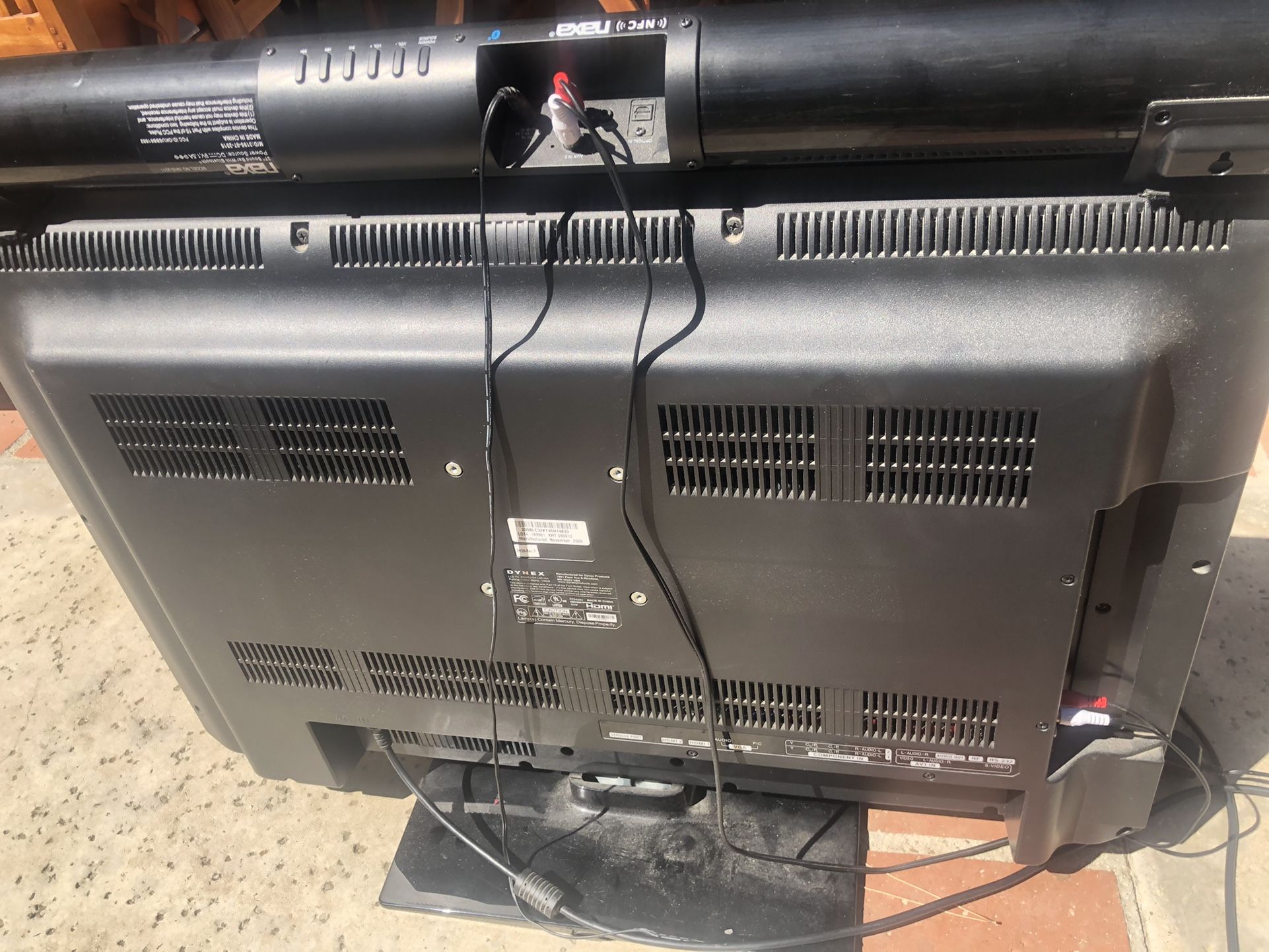
Look closely at each HDMI cable. Check for visible damage like bends, cuts, or frays. Damaged cables often cause connection problems. Try using a different HDMI cable to see if this fixes the issue.
Inspect the HDMI ports on your TV and devices. Dust or dirt can block connections. Clean ports gently with a dry cloth or soft brush. Avoid using water or liquids. Also, check if the ports are loose or damaged.
Try plugging the HDMI cable into a different port. Sometimes one port may stop working. Testing different ports can help find the problem. If all ports and cables look fine, the issue might be inside the TV.
Look For Indicator Lights
Checking the indicator lights on your Dynex TV is a simple first step. These lights show the TV’s status. They help you know if the TV has power or if there is a problem. Understanding these lights can save time and avoid frustration.
Identify Standby Light Patterns
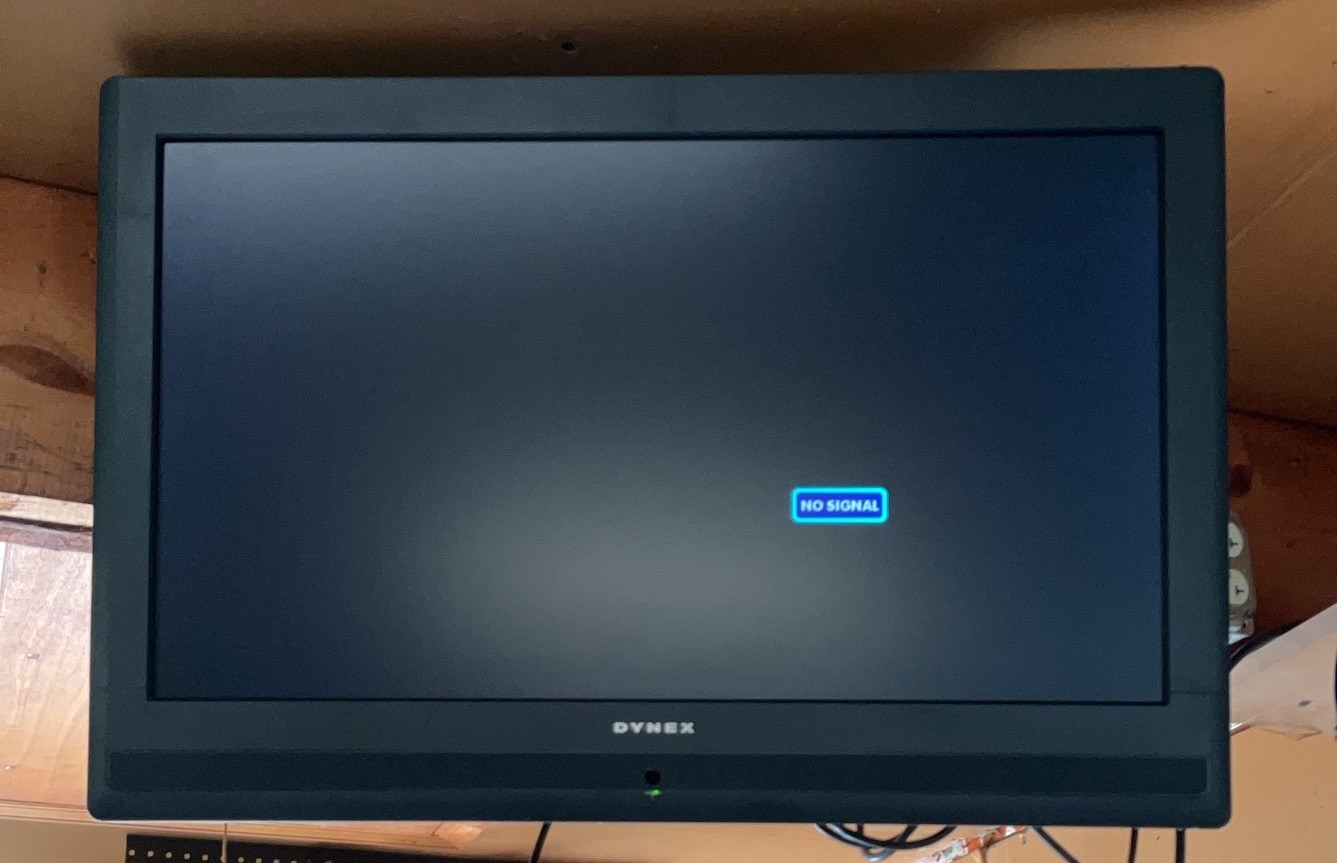
Standby lights usually glow when the TV is off but plugged in. A steady light means the TV is ready to turn on. A blinking light shows the TV is in standby mode. No light at all might mean no power or a serious issue.
Look closely at the color of the light. Red often means standby. Green or blue could mean the TV is on or active. Different patterns or colors tell different stories.
Diagnose Based On Light Signals
Use the light signals to find the problem. A slow blink can mean the TV is overheating. A fast blink might indicate a hardware fault. No light suggests checking the power source or cables.
Note any changes in the light pattern when pressing the power button. This helps understand if the TV reacts at all. The indicator lights guide you on the next step to fix or seek help.
Credit: ctbids.com
Update Firmware
Updating the firmware on your Dynex TV can fix many problems, including power issues. Firmware is the software inside your TV that controls how it works. Old or corrupted firmware can cause the TV to not turn on properly.
Keeping the firmware up to date ensures your TV runs smoothly. It also helps fix bugs and improve performance. Follow the steps below to update your Dynex TV firmware safely.
Use Usb For Firmware Update
First, check the Dynex website for the latest firmware version. Download the correct update file to your computer. Copy this file to a USB flash drive. Make sure the USB drive is empty and formatted to FAT32.
Turn off the TV and plug the USB drive into the USB port. Turn on the TV and go to the Settings menu. Find the option for Software Update and select USB Update. The TV will read the file and start updating. Do not turn off the TV during this process. The update may take several minutes. After completion, the TV will restart automatically.
Check For Software Issues
Sometimes, software bugs cause the TV not to power on. Resetting the TV can clear minor software problems. Unplug the TV from the power outlet and wait for 5 minutes. Press and hold the power button on the TV for 10 seconds. Plug the TV back in and try turning it on.
If the TV still does not turn on, try a factory reset. This will erase all settings but may fix deeper software issues. Access the reset option from the Settings menu or use the physical buttons on the TV. Make sure to follow the instructions carefully to avoid errors.
Contact Support And Repair
Contacting support and repair services is the best step for a Dynex TV that won’t turn on. Experts can diagnose the issue quickly. They offer advice and solutions that fit your situation. This saves time and avoids more damage.
Knowing your warranty status helps. It guides you on repair costs and service options. Many repair centers work with or without a warranty. Choose the one that suits your needs best.
Warranty And Service Options
Check your TV’s warranty before calling for repairs. A valid warranty may cover parts and labor. This reduces your expenses. Some stores offer extended warranties too. These cover issues after the original warranty expires.
If the TV is out of warranty, service options still exist. Authorized service centers use genuine parts. They keep your TV working like new. Non-authorized centers might offer cheaper repairs. However, parts and service quality may vary.
Professional Repair Services
Professional repair services have trained technicians. They use special tools to fix electronic problems. Repairs often include power board, screen, or internal component fixes. Technicians test your TV after repair to ensure it works.
Some services offer in-home repairs. This is convenient for large TVs or busy schedules. Others require you to bring the TV to the repair shop. Both options aim to restore your TV’s function quickly.
Credit: static.maxsold.com
Credit: www.edwardrushton.net
Frequently Asked Questions
Why Is My Dynex Tv Not Turning On At All?
Check power connections and remote batteries first. Unplug and replug the TV to reset it.
How Can I Fix A Dynex Tv That Won’t Power Up?
Try a power cycle: unplug for 60 seconds, then plug back in and press the power button.
What Causes A Dynex Tv To Turn On But Show No Picture?
This could be a backlight or display issue. Test with different input sources or cables.
Can Faulty Power Cords Stop A Dynex Tv From Turning On?
Yes, a damaged or loose power cord can prevent the TV from powering on properly.
When Should I Call A Technician For Dynex Tv Power Problems?
If basic resets and checks don’t work, professional repair is needed to avoid further damage.
Conclusion
A Dynex TV not turning on can feel frustrating. Start by checking the power source and cables. Try unplugging the TV, then plug it back in after a minute. Look for any signs of damage or loose connections. Small fixes often solve the problem.
If the TV still won’t turn on, contacting a professional might help. Regular care can prevent future issues. Stay patient and follow these simple steps to get your Dynex TV working again.