
Is your Apple TV refusing to turn on? That sudden black screen can be frustrating, especially when you just want to relax and enjoy your favorite shows.
You might be wondering why this is happening and how to fix it quickly. Don’t worry—you’re not alone, and there are simple steps you can take to bring your Apple TV back to life. Keep reading, and you’ll learn easy solutions that work, so you can get back to streaming without hassle.
Common Reasons Apple Tv Won’t Power On
Apple TV not turning on can be frustrating. Many users face this issue without knowing the cause. Understanding common reasons helps fix the problem quickly. This section covers typical causes that stop your Apple TV from powering on.
Power Supply Issues
Power supply problems are the main cause of Apple TV failing to start. A loose power cable can stop the device from receiving power. Check if the power cord is fully plugged into the Apple TV and the wall outlet. Try a different power outlet to rule out socket problems. Using the original Apple power adapter ensures proper voltage and current flow.
Remote Control Problems
The Apple TV might be on but not showing on the screen due to remote issues. Dead or weak batteries prevent the remote from sending commands. Replace the batteries with fresh ones. Sometimes, the remote needs to be paired again with the Apple TV. Hold the remote close and follow the pairing steps in the manual.
Software Glitches
Software errors can cause the screen to stay black while the Apple TV runs in the background. Restarting the Apple TV often clears minor glitches. Press and hold the menu and home buttons until the device restarts. If restarting does not help, resetting the Apple TV to factory settings might be necessary.
Hardware Failures
Internal hardware issues may stop the Apple TV from powering on. Faulty components like the power board or motherboard can cause this problem. Physical damage or liquid spills often lead to hardware failures. Professional repair or replacement is needed if hardware is damaged.

Credit: support.apple.com
Basic Troubleshooting Steps
Apple TV not turning on can be frustrating. Basic troubleshooting helps find simple fixes fast. These steps check power, remote, and connections. Follow them one by one to spot the problem.
Check The Power Connection
Ensure the Apple TV is plugged into a working outlet. Use the original power cord for best results. Sometimes, power strips or extension cords cause issues. Try plugging directly into a wall socket. Look for any damage on the cable or plug.
Restart Your Apple Tv
Unplug the Apple TV from power for about 10 seconds. Plug it back in and wait for it to start. Restarting resets the device and clears minor errors. This step often solves startup problems quickly.
Inspect The Remote Battery
The remote may not work if the battery is dead. Replace or recharge the battery and try again. A non-responsive remote can make it seem like the Apple TV is off. Test the remote by pressing buttons close to the device.
Try A Different Hdmi Port
Sometimes the HDMI port or cable fails to connect. Switch the HDMI cable to another port on your TV. Use a different HDMI cable if possible. A faulty connection can prevent the Apple TV from showing any image.
Advanced Fixes To Try
Advanced fixes can solve Apple TV power issues that basic steps miss. These solutions dig deeper into software and hardware problems. Each method aims to bring your Apple TV back to life. Try these steps carefully for the best chance of success.
Reset Apple Tv To Factory Settings
Resetting Apple TV erases all data and settings. It can fix software glitches causing the power issue. Use the Apple TV settings menu to start the reset. If the screen stays off, use iTunes on a computer instead. This step restores the device to its original state.
Update Tvos Via Itunes
Updating tvOS through iTunes fixes bugs and system errors. Connect Apple TV to a computer using a USB-C or Micro-USB cable. Open iTunes and select your Apple TV. Choose the option to update the software. This method helps if the device won’t turn on normally.
Use A Different Power Cable
A faulty power cable can stop Apple TV from powering up. Swap the cable with a known working one. Check the cable for visible damage or wear. Using a new cable ensures your device gets the correct power supply. This simple fix often solves the problem.
Test On Another Tv
Sometimes the issue lies with the TV, not Apple TV. Connect your Apple TV to a different television. This test confirms if the original TV or its ports cause the problem. If Apple TV works on another screen, the first TV needs checking. This step narrows down the source of the issue.

Credit: www.youtube.com
When To Contact Apple Support
Knowing when to contact Apple Support is important if your Apple TV won’t turn on. Some problems need expert help to avoid further damage. Recognizing these signs saves time and effort.
Identifying Hardware Damage
Hardware damage can stop your Apple TV from working. Look for cracks, dents, or loose ports. Strange smells or sounds also show issues. If you see these signs, do not try to fix it yourself.
Warranty And Repair Options
Check if your Apple TV is still under warranty. Warranty covers many repairs at no extra cost. Apple Support can explain your repair options. They guide you through the process clearly and quickly.
Authorized Service Providers
Apple has trusted service centers worldwide. Authorized providers use original parts and tools. They keep your device safe during repair. Contacting them ensures high-quality service and peace of mind.
Tips To Prevent Power Issues
Power issues with Apple TV can be frustrating. Simple steps can help keep your device running smoothly. Following good habits prevents many common problems. These tips focus on software, power, and cooling.
Regular Software Updates
Keep your Apple TV software up to date. Updates fix bugs and improve performance. Check for updates in the settings menu. Install new versions as soon as they appear. Updated software reduces power glitches and keeps the device stable.
Safe Power Practices
Use the original Apple TV power adapter. Avoid cheap or damaged chargers. Plug the device into a stable power outlet. Unplug during storms to protect from surges. Power surges can cause hardware damage and stop your Apple TV from turning on.
Proper Device Ventilation
Place Apple TV in a well-ventilated area. Avoid covering vents or placing it in tight spaces. Heat buildup can cause the device to overheat and shut down. Keep the area around the device clean and dust-free. Proper ventilation helps maintain device health and power stability.
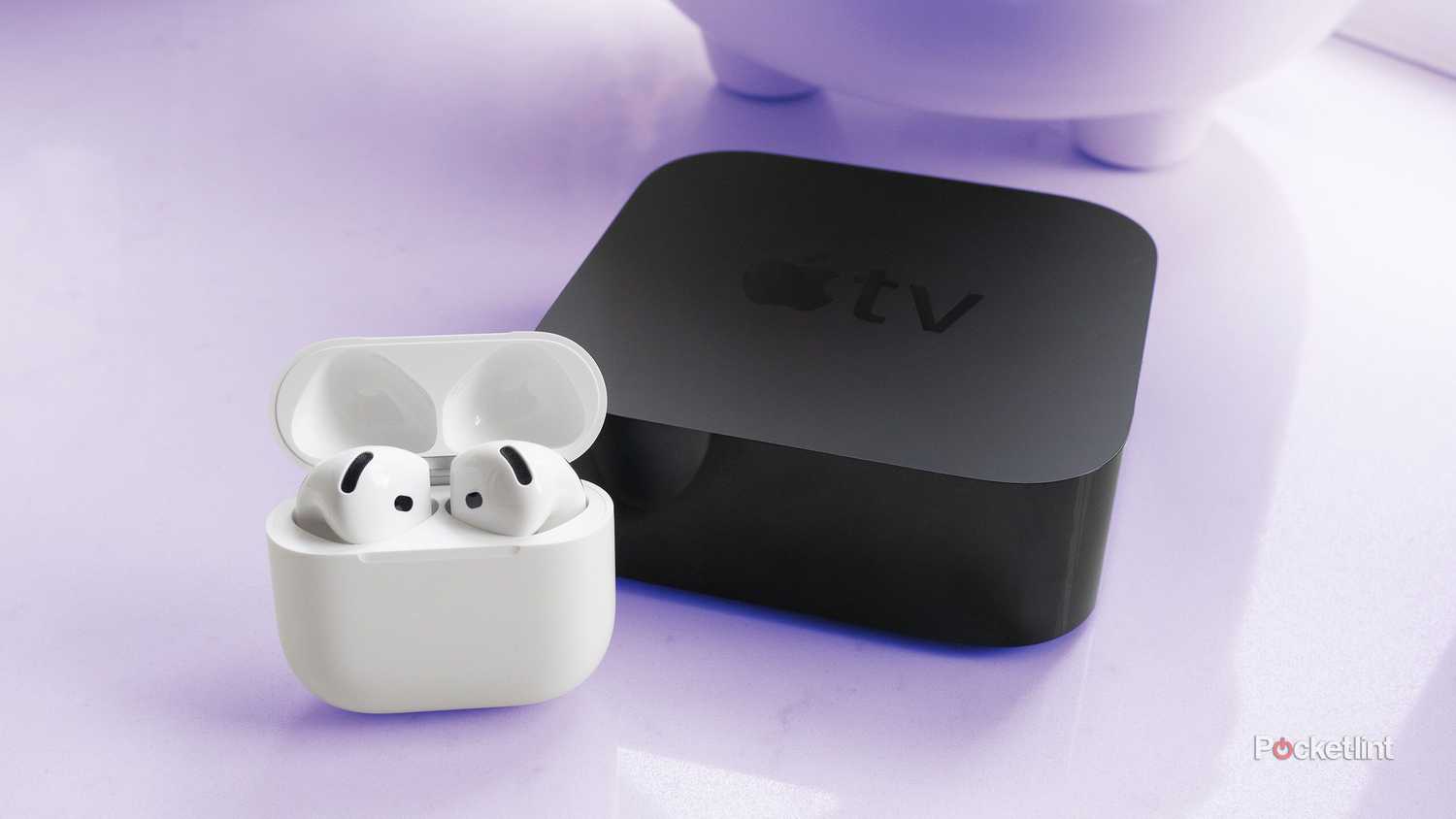
Credit: www.pocket-lint.com
Frequently Asked Questions
Why Won’t My Apple Tv Turn On At All?
Check if the power cable is plugged in tightly and the outlet works.
How To Fix Apple Tv Stuck On Black Screen?
Restart Apple TV by unplugging it, waiting 10 seconds, then plugging it back in.
Can A Faulty Remote Cause Apple Tv Not To Turn On?
Yes, a dead or unpaired remote may prevent Apple TV from responding.
What To Do If Apple Tv Shows A White Screen Only?
Try resetting Apple TV using the settings or connect it to a computer for restore.
Does Apple Tv Need A Software Update To Start Properly?
Sometimes, outdated software can cause startup issues; update it using the settings menu.
Conclusion
Troubleshooting your Apple TV can feel frustrating. Small fixes often solve the problem. Check power, cables, and remote batteries first. Restarting the device might help too. If issues persist, contacting Apple support is wise. Staying patient and methodical will save time.
Your Apple TV should turn on again soon. Keep trying these simple steps before seeking help. Don’t give up on enjoying your shows and movies.