
You’re sitting down to watch your favorite show on your Vizio TV, but suddenly, the screen goes black. The sound is still there, but there’s no picture.
Frustrating, right? You might be wondering what’s wrong and how to fix it quickly. Don’t worry—this problem is more common than you think, and there are simple steps you can take to bring your screen back to life. Keep reading, and you’ll learn exactly what to do when your Vizio TV has sound but no picture.

Credit: www.youtube.com
Common Causes
Vizio TV showing sound but no picture is a common issue. Several simple causes may lead to this problem. Understanding these can help fix your TV quickly. Below are some of the most common reasons for this issue.
Loose Or Damaged Cables
Cables connect your TV to devices like cable boxes or gaming consoles. Loose or damaged cables can stop the picture from showing. Check HDMI and power cables to make sure they are secure. Replace any cables that look worn out or broken. This often solves the no-picture problem fast.
Incorrect Input Settings
TVs have different input modes for various devices. The wrong input setting can cause no picture but sound. Make sure your TV is set to the correct input. Use the remote to cycle through inputs until you find the right one. This step helps your TV show the picture from the correct source.
Backlight Issues
The backlight brightens the TV screen. If it fails, the screen stays dark even with sound. Shine a flashlight close to the screen. If you see faint images, the backlight might be broken. This problem needs professional repair or screen replacement.
Firmware Glitches
TV software controls many functions, including picture display. Sometimes firmware bugs cause the screen to go black. Restart your TV to clear minor glitches. Check for software updates in the settings menu. Updating firmware can fix bugs and restore the picture.
Basic Troubleshooting
Basic troubleshooting helps find simple problems with your Vizio TV. It often fixes the issue of no picture but sound. Follow these easy steps to check your TV and connections. These tips save time and may solve the problem quickly.
Check Cable Connections
Look at all cables connected to your TV. Make sure they are plugged in tightly. Loose or damaged cables cause picture issues. Try unplugging and plugging them back in. Use a different HDMI cable if you have one.
Switch Inputs
Change the TV input source using the remote. Sometimes the wrong input shows no picture. Cycle through HDMI1, HDMI2, AV, or others. This helps find the correct signal for your device. The picture may return after switching inputs.
Power Cycle Tv
Turn off your TV completely. Unplug it from the power outlet. Wait at least 60 seconds. Plug the TV back in and turn it on. This resets the TV’s internal system. Many picture problems clear with a simple power cycle.
Reset Picture Settings
Open the TV’s menu and find picture settings. Choose the option to reset these settings. This returns brightness, contrast, and color to factory defaults. Incorrect settings may cause a black or blank screen. Resetting often restores the picture.
Advanced Fixes
Advanced fixes can solve the issue of your Vizio TV having no picture but sound. These steps go beyond basic checks and require some care. They can help restore your TV’s display without needing professional help.
Try these methods carefully. They often fix hidden software or hardware glitches causing the problem.
Update Firmware
Firmware controls your TV’s operations. Outdated firmware may cause display problems. To update, connect your TV to the internet. Go to the settings menu, then select “System” or “About.” Choose “Check for Updates.” Follow the prompts to install the latest version. This update can fix bugs affecting the picture.
Adjust Backlight Manually
The backlight helps your TV screen show images. Sometimes it turns off or dims too much. Use your remote to access the picture or display settings. Find the backlight option and increase it slowly. A higher backlight level can bring back the picture. This step may solve the issue if only the backlight is faulty.
Perform Factory Reset
A factory reset restores your TV to original settings. This removes any wrong settings causing the display issue. Access the settings menu, then find “System” or “Reset & Admin.” Choose “Reset TV to Factory Defaults.” Confirm the reset and wait for your TV to restart. This fix clears glitches and often restores the picture successfully.
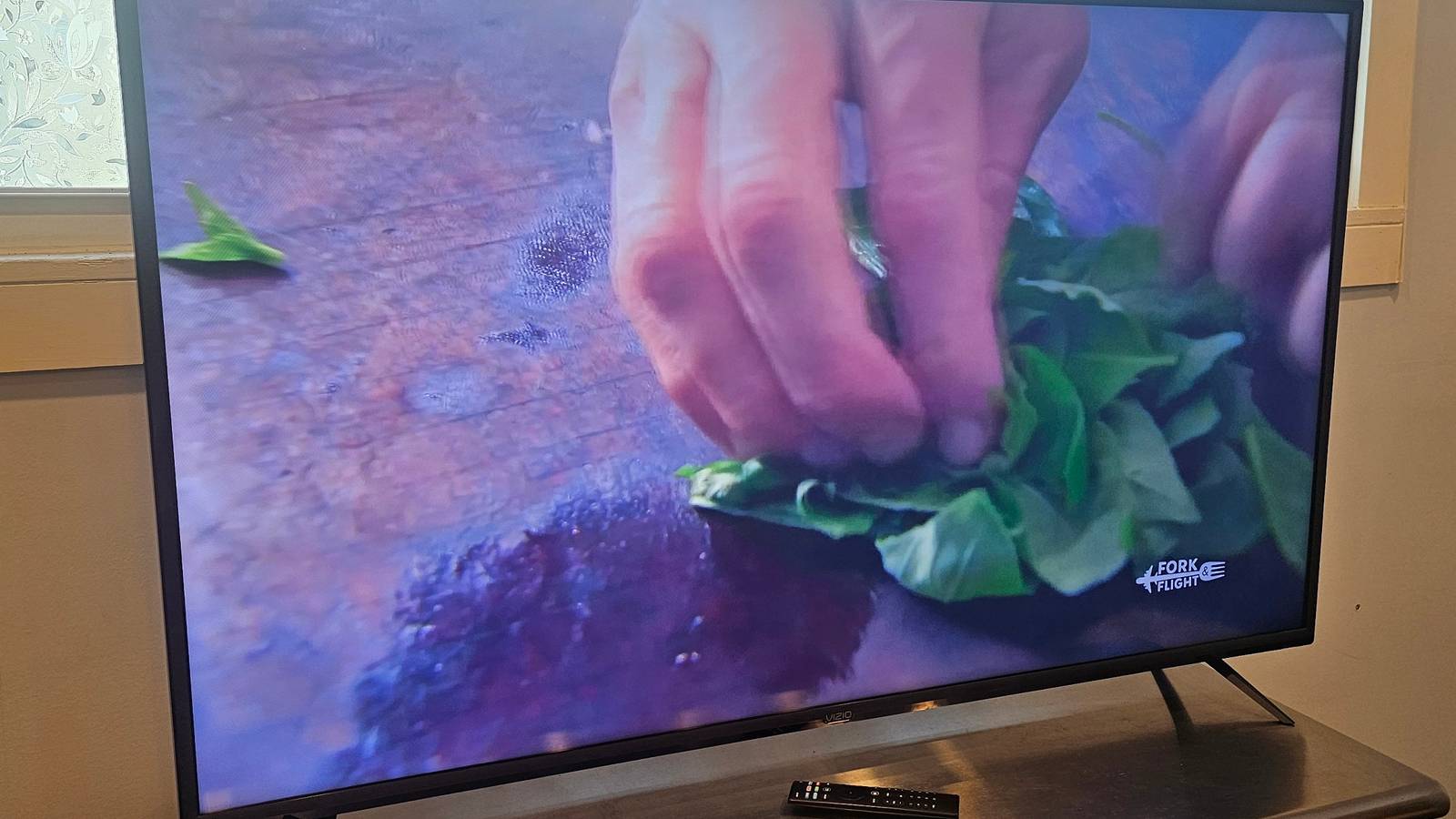
Credit: www.makeuseof.com
When To Contact Support
Knowing when to contact support can save time and frustration. Sometimes, simple fixes do not solve the Vizio TV no picture but has sound issue. Support teams have the tools and skills to diagnose deeper problems. They can guide you through solutions or arrange repairs if needed.
Persistent No Picture Problems
If the TV keeps showing no picture but sound is present, it is time to call support. This issue might indicate a serious internal fault. Trying multiple resets and cable checks without success means professional help is required. Persistent problems can worsen without expert attention.
Hardware Repairs
Support can confirm if hardware repairs are necessary. Components like the display panel or main board might be damaged. Attempting repairs alone can void warranties or cause more damage. Certified technicians ensure repairs are safe and effective.
Warranty Options
Contact support to learn about your warranty coverage. Many Vizio TVs have warranties covering parts and labor. Support can explain what repairs are free and what costs might apply. Using warranty services can reduce repair expenses significantly.
Credit: www.youtube.com
Frequently Asked Questions
Why Does My Vizio Tv Have Sound But No Picture?
A loose cable or faulty backlight can cause sound without picture on your Vizio TV.
How Can I Fix A Vizio Tv With No Picture But Sound?
Try unplugging the TV for a minute, then plug it back and check connections.
Could A Bad Hdmi Cable Cause No Picture On Vizio Tv?
Yes, a damaged or loose HDMI cable often leads to no picture but sound.
Does Vizio Tv Need A Firmware Update To Fix Display Issues?
Sometimes updating the TV’s firmware can fix picture problems and improve performance.
When To Call A Technician For Vizio Tv No Picture Problem?
Call a technician if the screen stays black after checking cables and power resets.
Conclusion
A Vizio TV showing sound but no picture can cause frustration. Simple fixes like checking cables or resetting the TV often help. Sometimes, the problem lies in settings or external devices. Taking quick steps can save time and money. Stay calm and try each solution step-by-step.
This way, you can enjoy your TV without delay. Remember, most picture issues have easy answers. Keep your TV working well and your viewing experience smooth.